Video Shot Breakdown: How to Analyse Any Video Like a Director
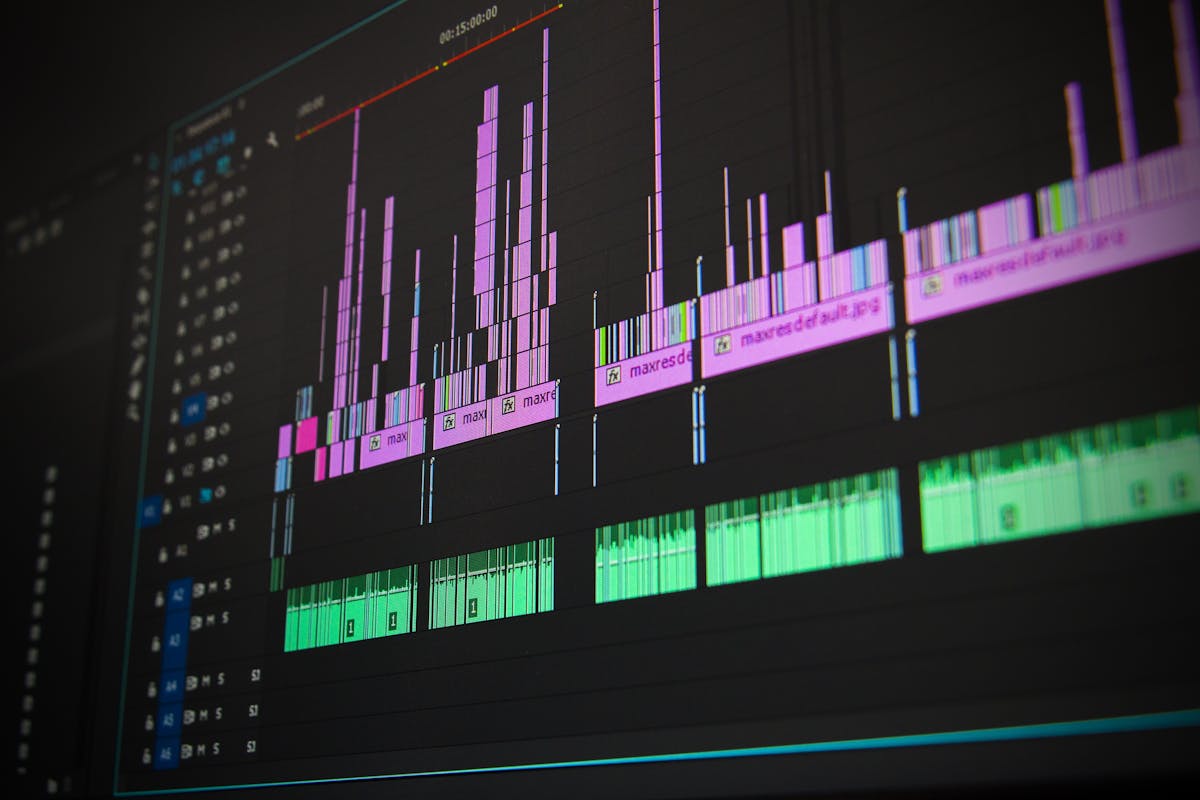
Photo: Pexels
A shot breakdown is a numbered list of every shot in a video: what size it is, what is in frame, and when it happens. Directors use them to plan. Editors use them to match. Marketers use them to steal — legally — the structure of an ad that works.
Most people never build one, because doing it by hand means scrubbing a timeline frame by frame. That is a two-hour job for a 60-second video. This guide covers what a breakdown actually contains, how to make one manually, and how to get the same result in about a minute.
What a shot breakdown contains
Every useful breakdown answers the same five questions per shot:
| Field | What it captures |
|---|---|
| Shot number | Sequential order in the edit |
| Timestamp | Start and end, in mm:ss |
| Shot size | Extreme-wide, wide, medium, close, extreme-close |
| Content | What is actually visible |
| Movement | Camera motion implied by how framing changes |
Shot size is the field people skip, and it is the most useful one. It tells you the emotional register of a sequence without any other context.
Why shot size matters more than content
Content is what is in frame. Shot size is how close you are to it — and closeness is what creates feeling.
- Extreme-wide — context, scale, isolation. Opens a film, or ends one.
- Wide — subject in environment. Establishes where we are.
- Medium — the workhorse. Conversation, demonstration, product in hand.
- Close — emotion, detail, emphasis.
- Extreme-close — texture and intensity. A eye, a logo, a texture.
📐 A pattern worth knowing: strong ads move through sizes deliberately. Changing shot size signals a beat change, even when the audio does not.
Doing it by hand
- Open the video in any editor — Premiere, DaVinci Resolve, CapCut, or QuickTime.
- Step one frame at a time and mark every cut. A cut is any hard change in framing.
- Log the in and out point for each shot. Note the shot size.
- Write one sentence of content per shot. No more.
- Repeat. For a 60-second ad with 30 shots, budget 60–90 minutes.
The bottleneck is step 2. Frame-stepping is mechanical, slow, and easy to get wrong at speed.
Doing it with AI
An AI video analysis tool samples frames across the video, detects visual change between them, and describes what it sees — which is exactly the manual process, minus the scrubbing.
In AdScanVideo, you pick Shot breakdown, drop in a file or paste a YouTube or TikTok link, and get a numbered shot list with timestamps back in roughly a minute:
1. [00:00–00:03] Medium shot — subject speaking to camera, plain background.
2. [00:03–00:07] Close-up — product in hand, shallow depth of field.
3. [00:07–00:12] Wide — subject walking through a space, camera follows.
Costs about $0.002 per video, which is worth stating plainly because people assume AI analysis is expensive. It is not.
When to use which
| You want to… | Use |
|---|---|
| Plan a shoot | Manual — you need your own intent, not the reference's |
| Match a client's existing look | AI breakdown, then adapt the sizes |
| Reverse-engineer a competitor ad | AI breakdown + ad intelligence mode |
| Document a finished edit | AI breakdown as a first pass, then correct |
The honest answer: AI gives you the tedious 90 minutes back. It does not replace judgement about why a cut works. Use it as a first pass you then edit, not as an oracle.
Common mistakes
- Logging only content. Without shot size you lose the pattern that makes the edit work.
- Guessing timestamps. Frame-accurate timestamps matter if you plan to cut against a reference.
- Ignoring transitions. Cuts, dissolves and wipes are rhythmic choices. If two shots blur together, the tool may treat them as one — worth a manual check.
- Treating it as one-and-done. A breakdown is most useful when you cut a new edit against it.
Try it on a video you already like
The fastest way to learn this is to run a breakdown on something you admire and read the shot sizes in order. Patterns show up fast — how many shots there are, how long each one lasts, where the size changes land.
That rhythm is the part that transfers between projects. Content does not repeat across your work. Structure does.
Analyze your next video
Drop any ad, reel, podcast or reference into AdScanVideo. Get a timestamped, structured breakdown in about a minute.
Try it free →